
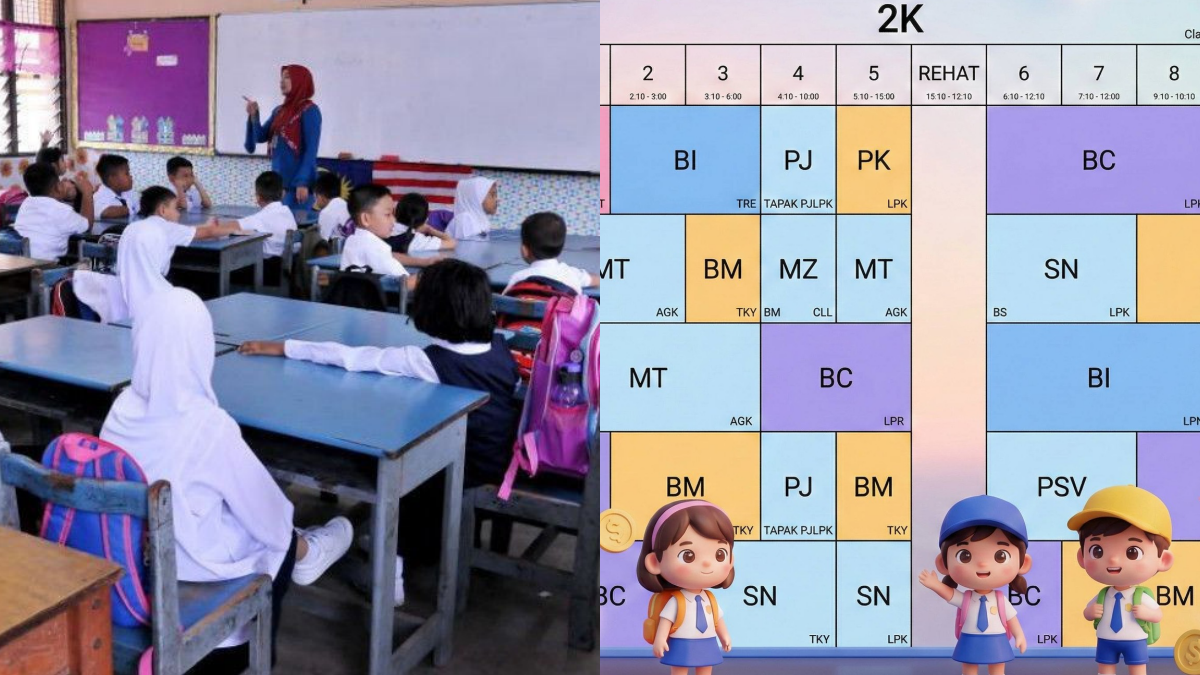
Setiap kali buka jadual sekolah anak, mesti nampak penuh dengan teks hitam putih yang padat dan membosankan, kan? Kadang-kadang bukan anak sahaja yang keliru, ibu ayah pun boleh tersalah tengok waktu subjek.
Sebenarnya, dengan bantuan teknologi AI seperti Google Gemini, jadual sekolah anak boleh diubah menjadi lebih comel, tersusun dan mudah difahami.
Baca juga: Cara Mudah Beli Emas Di Maybank Gold (MiGa) Untuk Pembeli Marhaen, Mula RM20 Lama-Lama Membukit!
JADUAL SEKOLAH ANAK COMEL, GUNA PROMPT INI
Menariknya, proses ini sangat mudah dan tak memerlukan kemahiran reka grafik yang rumit. Hanya guna gambar jadual asal dan satu prompt khas, hasilnya memang lain macam!
Berikut langkah yang dikongsikan:
1. Buka Google Gemini
Layari dan buka aplikasi atau laman web Google Gemini.
2. Muat naik gambar jadual sekolah anak
Ambil gambar jadual sekolah anak (sama ada dalam bentuk kertas atau screenshot daripada WhatsApp sekolah), kemudian upload ke dalam ruangan chat Gemini. Pastikan gambar jelas supaya AI boleh membaca teks dengan tepat.
3, Letak prompt yang disediakan
Letak prompt khas yang diberikan ini:
Prompt 1
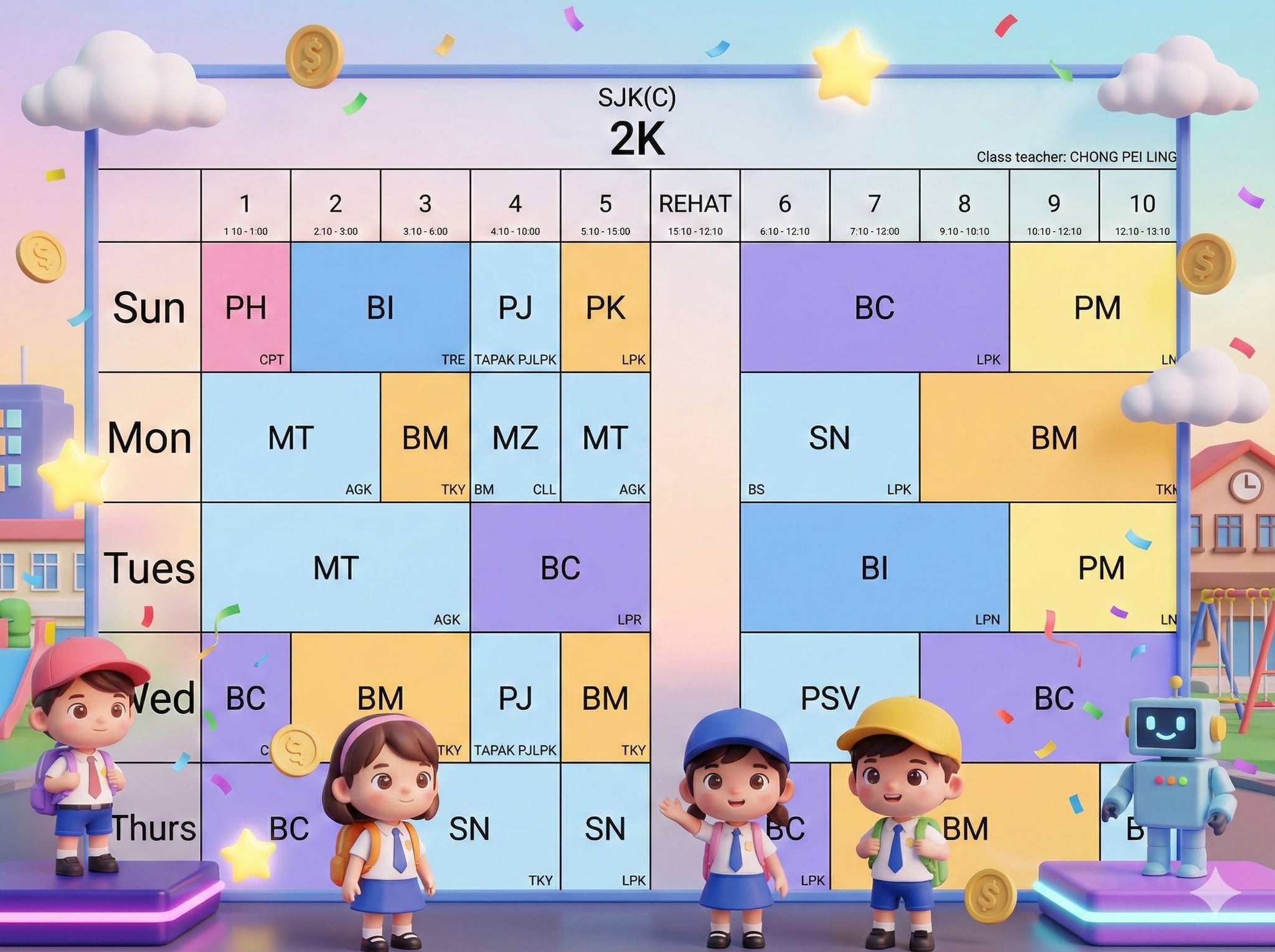
Transform the uploaded image (Image 1) of a kindergarten / primary school class timetable into a 3D cartoon style inspired by Pixar combined with a ROBLOX-inspired playful game world vibe.
Keep the exact timetable layout, table shape, grid lines, row and column positions, text content, font size, wording, and alignment unchanged.
Add adorable 3D chibi-style kid avatars (original designs, blocky proportions inspired by ROBLOX avatars but with soft Pixar-like facial expressions), wearing cute school outfits and small game accessories (caps, backpacks, badges).
Decorate with playful game-world elements: floating coins, stars, clouds, soft neon platforms, low-poly buildings, friendly robots, confetti particles—placed around the timetable without covering any text.
Background: colorful 3D game-like city or playground world with soft sky gradients, rounded shapes, bright cheerful lighting, child-friendly atmosphere.
Art style: 3D cartoon, Pixar-inspired soft lighting and materials (smooth skin, glossy eyes), ROBLOX-inspired playful geometry, pastel + vibrant accents, high resolution, clean composition, readable text.
Important: Do NOT change any text, language, timetable structure, grid, or proportions. Only enhance visuals and background while preserving readability.
Negative Prompt:
copyrighted character exact likeness, altered timetable layout, changed text, wrong spelling, unreadable font, cluttered composition, harsh lighting, dark scary mood, low resolution, blurry text
Prompt 2
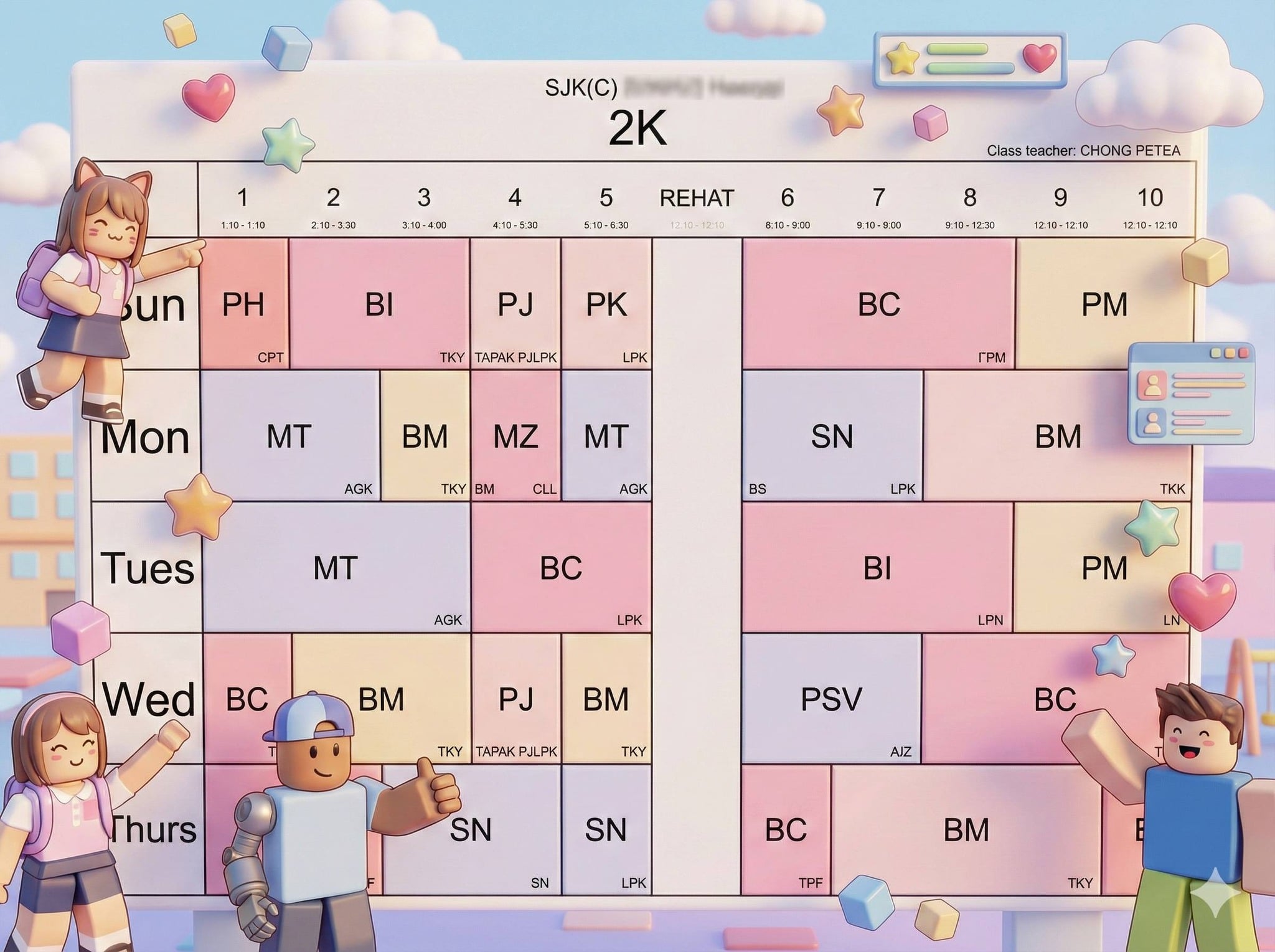
Transform the uploaded image (Image 1) of a kindergarten / primary school class timetable into a 3D cartoon kawaii style inspired by ROBLOX avatars.
Keep the exact timetable layout, table shape, grid lines, row and column positions, text content, font size, wording, and alignment unchanged.
Add adorable 3D blocky kawaii avatars (original designs, ROBLOX-inspired proportions) with rounded edges, cute facial expressions, bright outfits, backpacks, caps, bows, and playful accessories.
Characters can pose playfully around the timetable (waving, pointing, thumbs up) but must not cover or distort any text.
Decorations: glossy 3D stars, cubes, hearts, clouds, coins, soft glow particles, floating UI game-like frames and buttons (subtle).
Background: cheerful 3D pastel playground or classroom with blocky buildings, floating platforms, soft sky gradients, kid-friendly and bright.
Art style: 3D kawaii blocky cartoon, smooth glossy render, soft lighting, pastel-bright color palette, high resolution, clean composition, high readability.
Important: Do NOT change any text, language, timetable structure, grid, or proportions. Only enhance visuals and background while preserving readability.
Negative Prompt:
copyrighted character exact likeness, altered timetable layout, changed text, wrong spelling, unreadable font, cluttered background, harsh shadows, low resolution, blurry text
Prompt 3
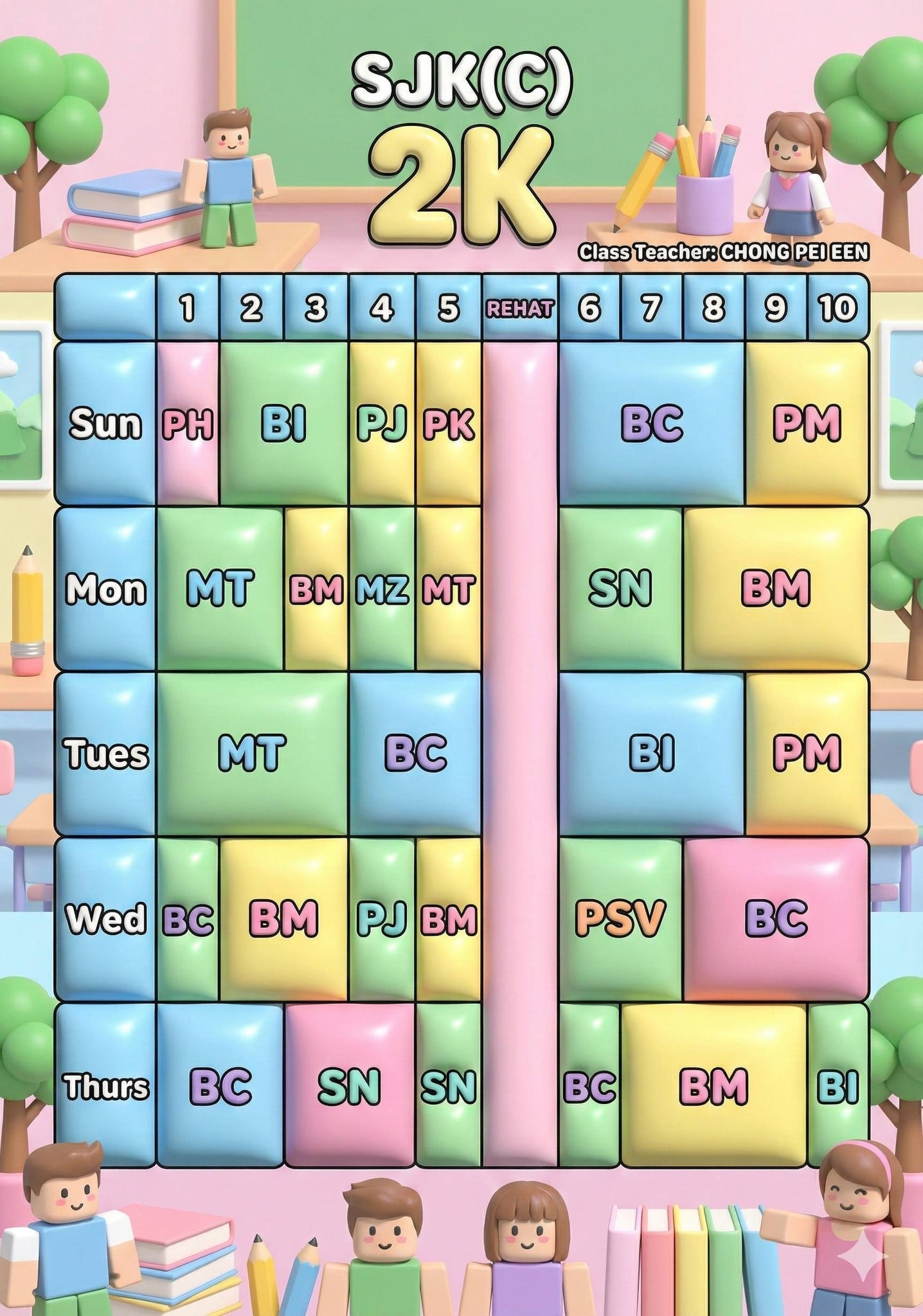
Create a print-ready poster version of the transformed timetable (based on Image 1) in 3D kawaii ROBLOX-inspired style.
Maintain the exact original timetable layout, grid, text content, font size, and alignment from Image 1.
Output format: 300 DPI, CMYK color mode, A4 and A3 poster ratio, clean margins with safe print bleed.
Ensure text is sharp, high contrast, and readable; grid lines remain crisp.
Art style: glossy 3D blocky kawaii cartoon, cheerful pastel lighting, professional classroom poster finish.
Decorations should frame the timetable nicely without overpowering it.
Important: Do NOT distort, resize, crop, or rearrange any table elements or text.
Negative Prompt:
low DPI, RGB only, misaligned grid, cropped edges, blurry text, overdecorated background, low contrast text
Daripada jadual yang membosankan, kini boleh jadi versi comel, tersusun dan lebih mesra kanak-kanak. Paling penting, anak lebih mudah rujuk.
Baca juga: 10 Prompt Gambar AI Yang Tengah ‘Meletup’ Sekarang, Hasil Cantik & Nampak Real!
Sumber: Facebook DIGI8Tal Product